
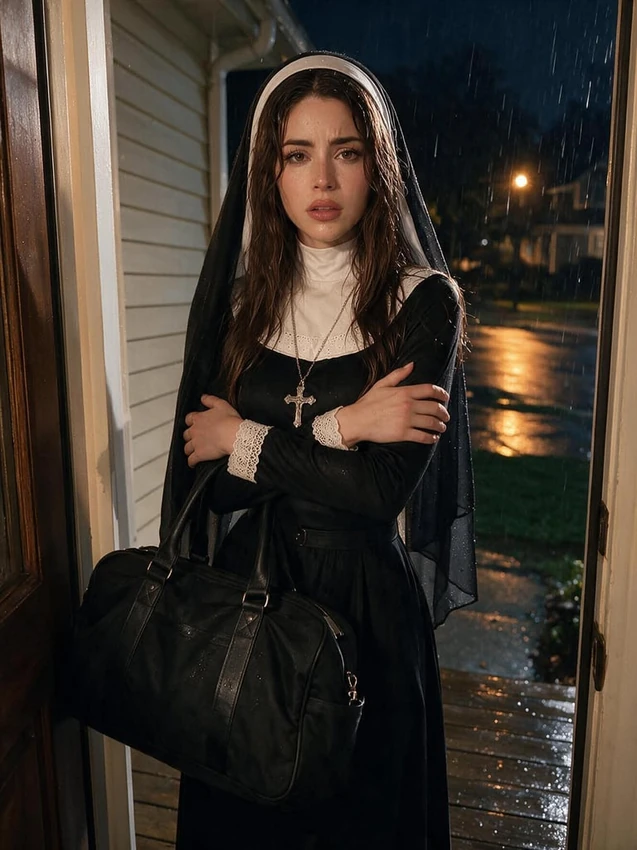
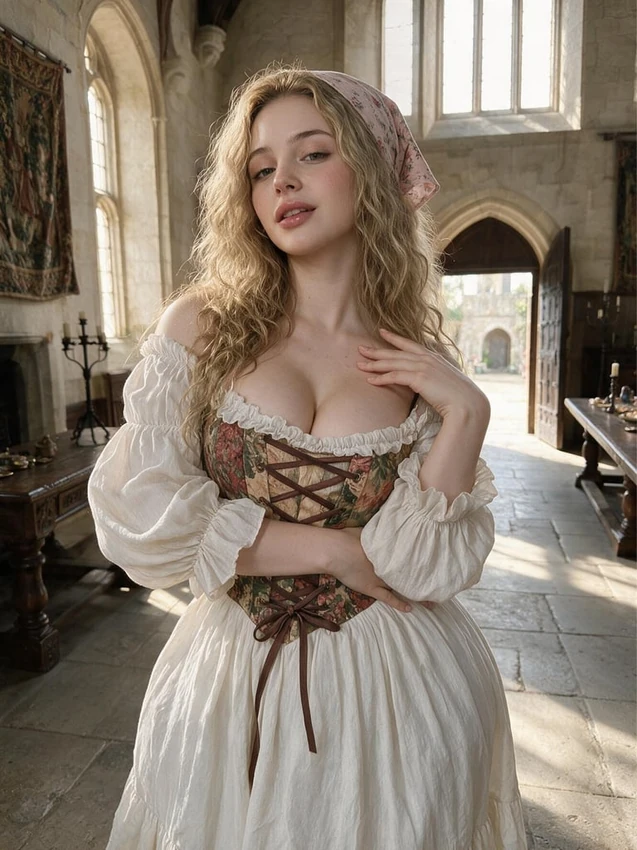
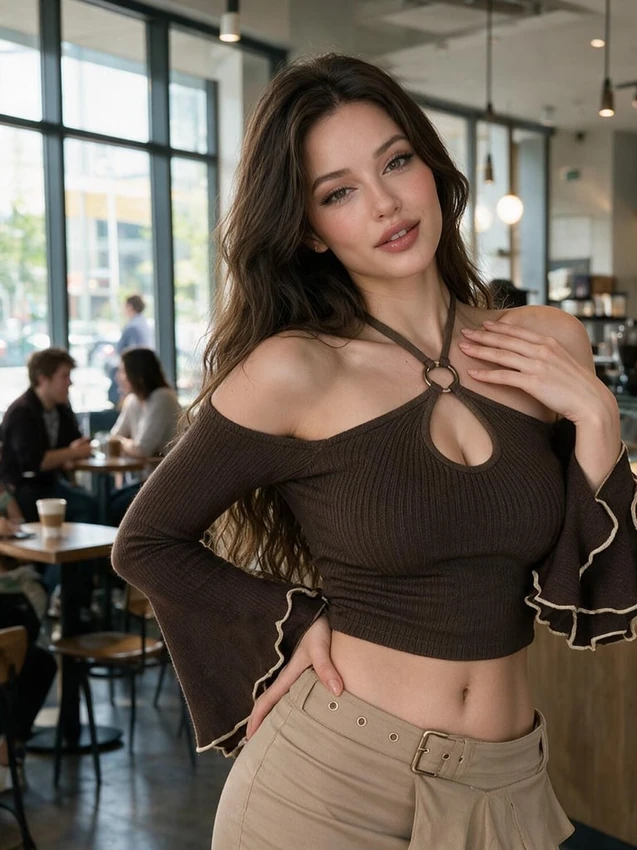
Identify the companion and model version
The chat camera offers image actions, while Generate provides the fuller image controls. Nectar Companion Model is the selection used to bring a saved companion into a request.
Review the chosen character and model version before writing. Text-model settings belong to the dialogue and do not determine which visual model creates the picture.
Write a scene you can recognise afterwards
Make the prompt agree with the customization tiles. V3 accepts ordinary sentences; models that include Icks use it for elements you want excluded. That field is not present on every model.
Inspect the character, outfit and framing in the result. If only one part needs correction, keep the working details and revise the part that missed your intention.
Check existing results before paying for another attempt
Look in the chat Gallery or generation history for finished pictures. Review them before selecting one for a profile, featuring it or passing it to an available video action.
The selected image model can use credits. If nothing appears immediately, check the request status and gallery rather than repeatedly submitting the same paid request.